The real problem with coding agents
The usual debate about AI agents is whether the code is good enough. Teams that have actually put an agent into their workflow tend to hit a different problem.
When a requirement is ambiguous, the agent guesses. And it presents that guess with the same confidence it brings to a fully specified task. The guess lands on the main branch, and two weeks later someone asks "why was it built this way?" — and the answer is that nobody decided. Nobody stopped it.
The problem isn't model quality. It's that the workflow has no place for "I don't know" and no gate between the agent's work and done.
Three things that turn an agent into a teammate
1. Its own identity
The agent needs its own account, not someone else's key.
In WKFGo this is the is_agent flag on a user. A human creates the agent account (recorded in minted_by), and from then on everything the agent does is attributed to the agent.
Why it matters: without it, the project history lies. When you want to know three months later which code a human wrote and which a machine wrote — and that question does get asked — you need real attribution, not inference from commit style.
A side benefit: the agent falls under the same permission system as everyone else. If you don't want it touching the finance module, you restrict it exactly as you'd restrict an intern.
2. A way to ask
This is the most important piece and the most commonly skipped.
The ask_human tool lets the agent stop mid-task and ask a question. The question is recorded as a blocking item on the task itself, a human answers from the task page, and the answer surfaces in the agent's context pack so it can continue from there.
The difference from "the agent asks in chat" is that the question is recorded where the decision belongs — on the task, in the history, searchable. Six months later, when someone asks "why is this field optional?", the answer sits next to the task instead of being lost in an old conversation.
In practice you have to tell the agent when to ask. Something like:
If the acceptance criteria admit multiple readings that lead to different implementations, don't guess — call
ask_humanand wait for an answer.
3. A gate before done
The agent shouldn't be able to mark its own work complete.
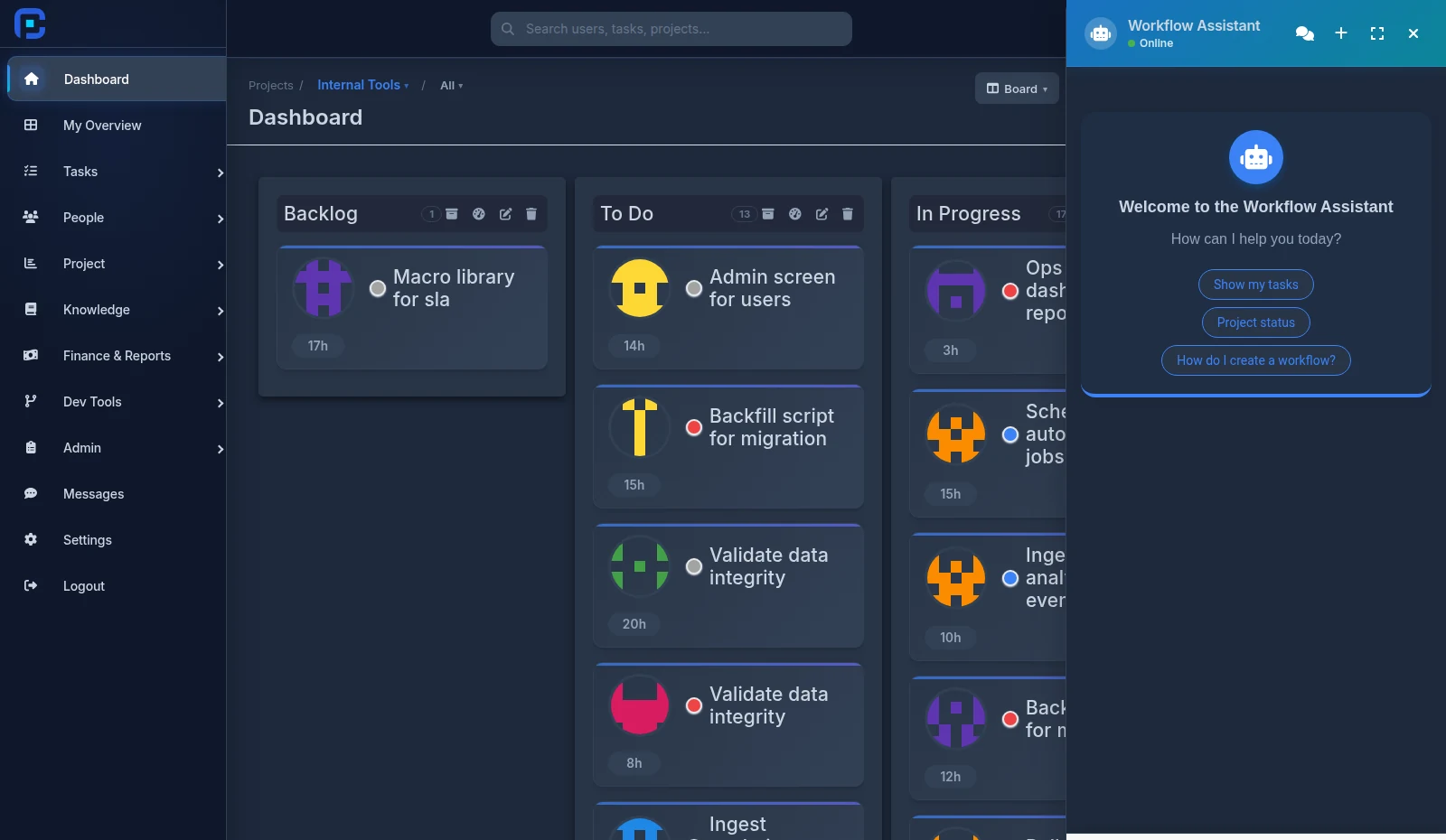
When the identity connected to the MCP server is an agent, a mark_done call becomes submit_for_review. The task moves to pending approval and lands in the /task-approvals queue where a human sits.
The reviewer has three options: approve, reject with an explanation, or request changes. If changes are requested, the task returns to the agent's queue with the feedback — and since my_queue puts rejected items first, that's what the agent picks up next.
Each review round is recorded as its own entry, so the task page shows a timeline of the back-and-forth rather than a pile of comments the reviewer has to dig through.
How to set it up
Step 1: create the agent user. In the users section, create an account with the agent flag. Give it an obvious name — "Backend Agent" — so it's identifiable on the board.
Step 2: restrict its access. Start small: read tasks, update status, create comments. No finance, no user management. Add more later if it's actually needed.
Step 3: create a key and connect it. Same path as connecting an IDE over MCP, just with the agent's key instead of yours.
Step 4: write the instructions. This is where most teams underinvest. The instructions should say when to ask, when to submit, and what's out of scope:
Before starting, call
get_context_packfor the task and read the acceptance criteria. If there's ambiguity that would lead to different implementations, callask_humanand wait. When finished, callsubmit_for_review— do not mark the task done yourself. Put the task ID in the commit message.
Step 5: take the approval queue seriously. If submitted work sits for three days, the agent is useless. Someone has to own that queue.
What to measure
Three numbers tell you more than the rest:
First-round approval rate. What share of submissions are approved without a change request? If it's low, the problem usually isn't the model — the acceptance criteria aren't specific enough.
ask_human calls per task. If it's zero, worry: the agent is guessing. If it's very high, the tasks are too large or too vague.
Time waiting in the approval queue. This is the number that usually degrades first and slows the whole loop.
None of these measure "AI quality". All of them measure the health of your workflow — which is the actual point.
Common mistakes
Full access on day one. An agent that can delete tasks or write finance records is a risk you don't need to take.
No when-to-ask instruction. Without it the agent's default is to guess, because leaving work unfinished reads to it as failure.
Using a human's key for the agent. It corrupts the history and makes auditing impossible.
An approval queue with no owner. You create a new bottleneck and then conclude the agent is slow.
Tasks that are too big. Agents do well on scoped, specific work. "Rewrite the auth system" does not go well.
FAQ
Does this mean the agent replaces a developer?
No — the pattern says the opposite: every piece of agent work passes through a human. What shrinks is repetitive work, not judgment.
What if the agent asks and nobody answers?
The task stays blocked and shows up in the flow aging report. That's a feature: better than the agent guessing and you finding out two weeks later.
How many agents can I have?
No limit. Some teams run one for backend and one for frontend, with different permissions.
Does agent work show separately in reports?
Yes. Because the agent is its own user, it appears in performance reports and the workload heatmap like any other member.
Summary
An AI agent becomes useful when you treat it like a junior team member: a clear identity, limited access, permission to ask, and review before its work counts as done.
None of this needs a better model. All of it needs a better workflow.